Free Online JPEG to HEIC Converter
Convert JPEG and JPG images to HEIC online for free. Enjoy high-quality, efficient image compression with batch conversion support. Perfect for iPhone users, photographers, and designers who need to reduce image size while keeping excellent quality.
Drag & Drop or Click
Support JPG, PNG, WEBP, GIF, AVIF, HEIC/HIEF
Max file size: 50MB
Why Use This Free Online JPEG to HEIC Converter? (Key Benefits)
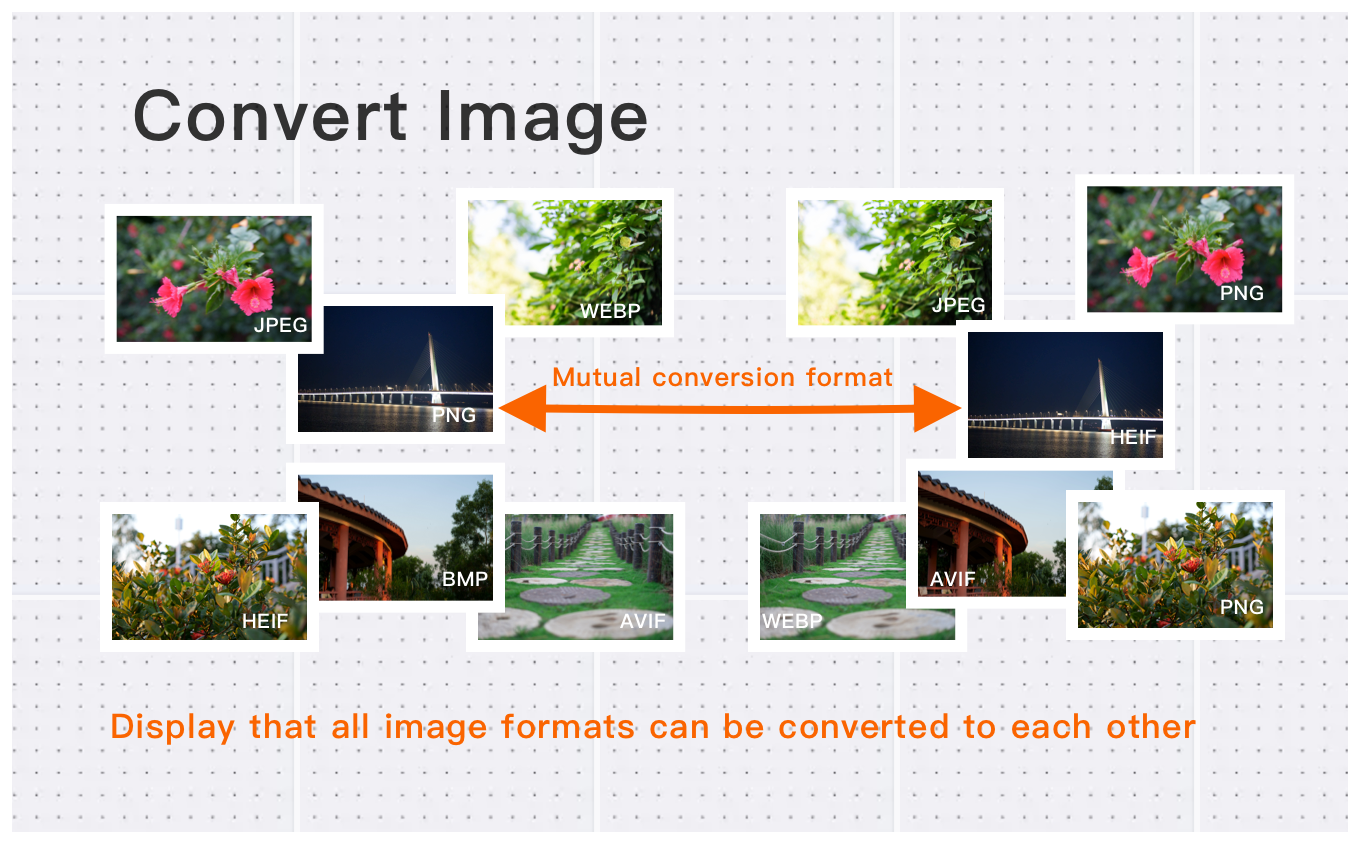
High-Quality JPEG to HEIC Conversion with Smaller File Sizes
Convert JPEG images to modern HEIC format while preserving crisp detail and reducing file size by 50%–80%. Ideal for users who need lighter images for cloud storage, websites, Apple devices, mobile apps, and long-term archiving — all without sacrificing visual quality.
Perfect for Photographers, Designers & Mobile Workflows
HEIC offers better compression and higher dynamic range than JPEG. Our converter helps creatives and professionals quickly optimize large JPG photos for iPhone/iPad libraries, macOS workflows, social media uploads, and cross-platform sharing, keeping high resolution intact.
Fast, Free & Batch JPEG-to-HEIC Conversion
Convert one or hundreds of JPEG images at once. Simply upload, convert, and download — no signup, no software install. Designed for fast processing, stable output, and consistent file quality across multiple images.
How to Use This Free Online JPEG to HEIC Converter?
Select Image
Select the image you want to convert format and upload it to the cloud. To batch converting multiple photos, click Choose More Files to upload additional photos. The cloud will automatically adapt to and support common image formats, so you don't need to worry about compatibility.
Customize Settings
Clicking the Start Process button for a specific photo will only convert that one image format. To convert all selected images format, click the Start Process > button. If you want to readjust the convert format type, click the X button to reset this processing.
Download converted image
Once the cloud indicates that the convert format is complete, you can preview the results by clicking on the images. Click Download Image to download a single converted format photo, or click Download Images to download all batch converted format images.
Our Security & Privacy Pledge
Your data security is our highest priority. We will never retain your files longer than necessary for processing.
Automatic Deletion
Your files are permanently and automatically erased from our servers after 60 minutes, with no backups retained.
Secure Transmission
All uploads and downloads are protected using 256-bit SSL/HTTPS encryption for complete data security.
Zero Human Access
Files are handled exclusively by our automated processing engine; no manual viewing or review occurs.
Never Share or Sell
We commit to never selling, renting, or sharing your content or personal data with any third parties or advertisers.
User-Controlled Deletion
You have the option on the download page to select "Clear Immediately" to destroy your files instantly.
Frequently Asked Questions
Find answers to common questions about Free Online JPEG to HEIC Converter.
Tips for Free Online JPEG to HEIC Converter Image Optimization
See also: More JPEG Converter
For more usage tips about Free Online JPEG to HEIC Converter, please refer to Free Image Format Converter .