Introduction
With smartphone cameras becoming more advanced, photo file sizes are growing rapidly. A single JPEG captured on a modern phone can easily exceed 4–6MB. When thousands of photos accumulate, cloud services like iCloud, Google Photos, Dropbox, and OneDrive fill up quickly—often pushing users into paying for additional storage.
But there’s one simple solution you can adopt today, inspired by how iPhone handles photos:
Convert JPEG to HEIC.
HEIC is a modern, space-efficient image format that can reduce file size by 40% to 60% while preserving excellent image quality.
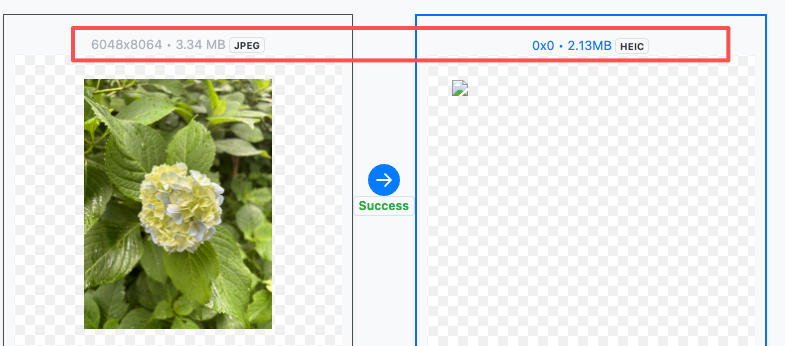
If your cloud storage is nearing its limit—or you want to avoid paying for an upgrade—converting JPEG to HEIC is the easiest, highest-value optimization you can make.
Why Does HEIC Save More Space Than JPEG?
JPEG is an older image format built in the 1990s. Its compression algorithm is no longer efficient enough for today’s high-resolution photos. That’s why your library of JPEGs can consume gigabytes very quickly.
HEIC (High Efficiency Image File Format), on the other hand, is based on the advanced H.265/HEVC encoding standard, offering:
✔ 40–60% Smaller File Size
HEIC maintains comparable visual quality while drastically reducing photo size.
✔ Better Image Quality
Supports 10-bit color depth and modern HDR workflows
(10-bit HEIC export is planned for 2026 on ConvertFT).
✔ More Advanced Features
- Multiple frames
- Transparency
- Efficient color storage
✔ Widely Supported Across Modern Platforms
- iPhone & iPad (native)
- macOS (native)
- Windows 11 (native)
- Google Photos
- Dropbox
- Many Android devices
HEIC is more modern, more efficient, and ideal for long-term cloud storage.
Why Cloud Storage Is Becoming a Problem
1. File sizes are increasing every year
As phone sensors become higher resolution, the storage required per photo continues to grow. Thousands of JPEGs quickly add up.
2. Cloud storage is quietly getting more expensive
HDD supply shortages, high demand caused by AI model training, and rising infrastructure costs are pushing cloud storage providers to increase prices.
Take a typical example:
10GB of JPEG photos → 5–6GB after converting to HEIC
Meaning:
- You can store 2× more photos for the same price.
- Or delay upgrading your cloud storage for months or even years.
- Or simply free up local device space without deleting any photos.
For creators, photographers, families, and anyone with thousands of images, this adds up to real savings.
How to Convert JPEG to HEIC (The Easiest Method)
The simplest and fastest way to convert is using ConvertFT’s free tool:
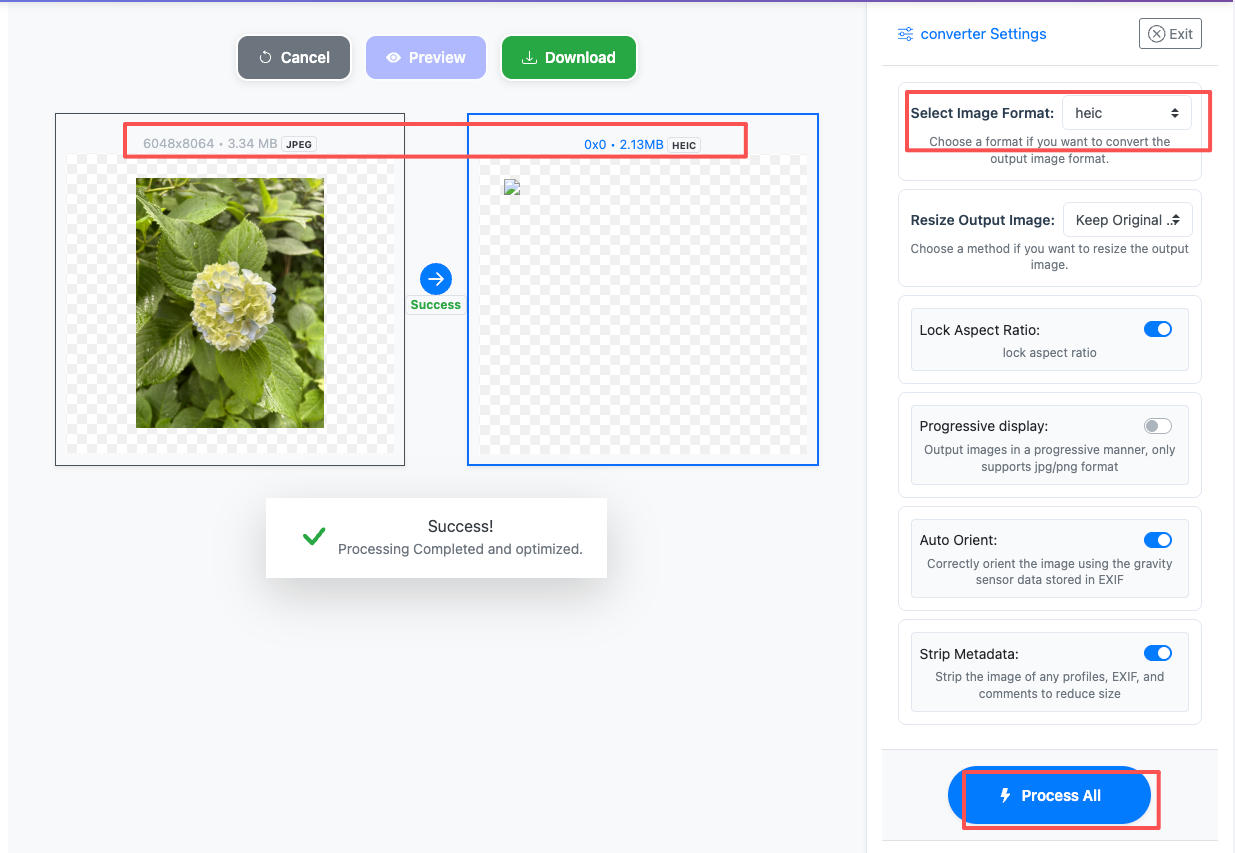
No installation, no registration, fast batch conversion.
Steps:
- Open ConvertFT JPEG → HEIC tool
- Upload your JPEG images (supports drag-and-drop & batch upload)
- Preview the conversion (optional)
- Click Process All
- Download your HEIC files
- Optional:
- Auto-rotate
- Remove EXIF metadata
Your images will be processed online and automatically deleted for privacy.
Who Should Convert JPEG to HEIC?
iCloud / Dropbox / Google Photos Users with Limited Storage
Batch converting JPEGs frees up huge amounts of space instantly.
Photographers, bloggers, and content creators
If your workflow exports a large number of JPEGs (PS, Lightroom, AE), converting to HEIC significantly reduces archive storage size.
Teams or companies archiving large image libraries
HEIC greatly reduces long-term storage costs for NAS or company cloud drives.
Anyone with storage anxiety
No need to delete old memories—just convert JPEG to HEIC and gain back gigabytes of space.
Conclusion
Converting JPEG to HEIC is one of the most effective ways to reduce cloud storage usage, cut long-term storage costs, and manage your growing photo library.
If you’re running out of space on iCloud, Google Photos, Dropbox, or your local device—this is the quickest optimization with the biggest impact.