In a world where every moment is shared online — from morning coffee shots to travel diaries — our photos say more about us than we think. Hidden in a single picture could be your location, identity, or personal details you never meant to reveal.
But here’s the good news: a simple blur can make a big difference.
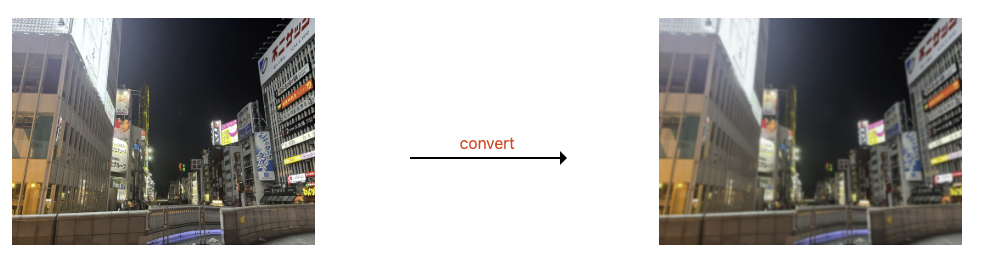
Blurring isn’t just for artistic effect. It’s one of the easiest ways to protect your privacy, highlight key subjects, and even create aesthetic, professional-looking images — all without complicated software.
Why Blurring Matters
Most people think of “blur” as an Instagram filter, but in digital photography, it serves two important roles:
- Privacy Protection — Blurring faces, license plates, or backgrounds helps prevent sensitive data leaks when posting on social media or sharing images publicly.
- Visual Focus — A well-balanced blur brings attention to the subject, softens distractions, and gives photos that high-end “bokeh” feel we see in professional photography.
Even a light blur level can make private content unreadable while preserving the photo’s overall beauty.
Choosing the Right Blur Level
Different blur strengths serve different purposes:
-
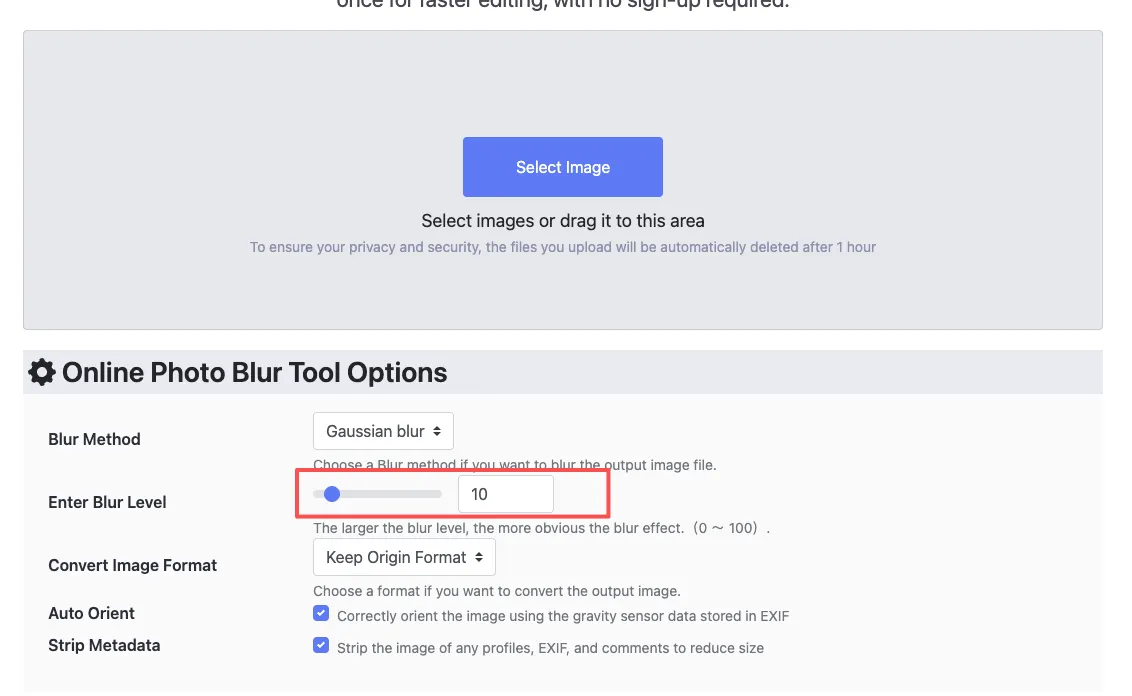
Light Blur (Level 10–15) — Perfect for concealing minor text or details while keeping most of the image visible.
-
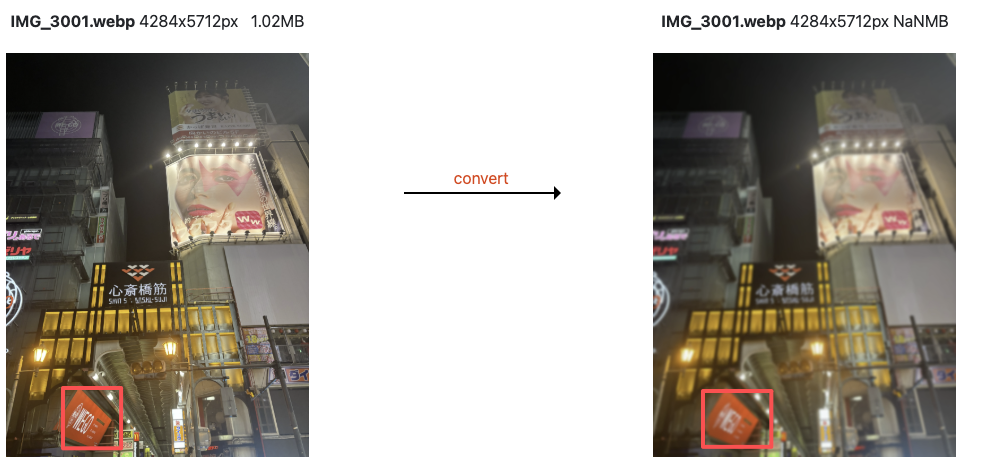
Medium Blur (Level 20–30) — Ideal for hiding objects or creating a dreamy, aesthetic look.
-
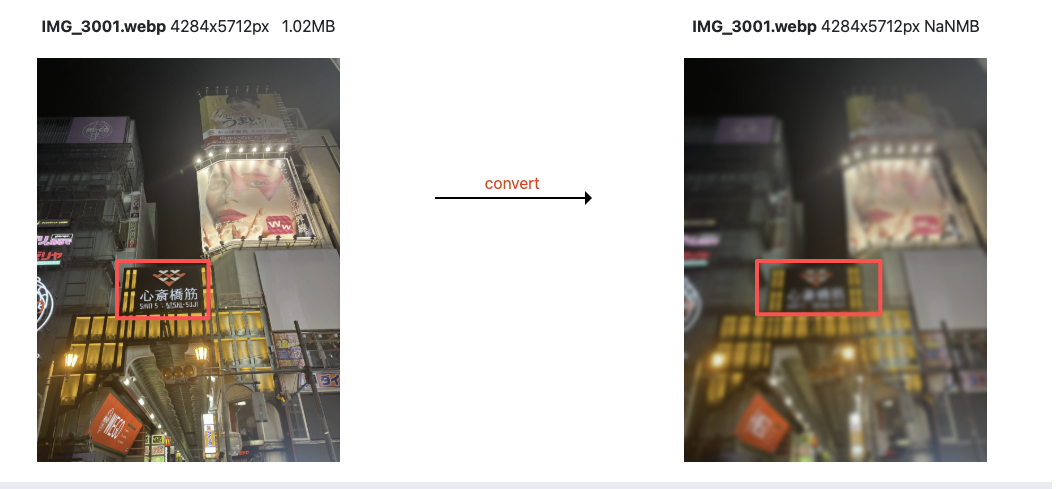
Strong Blur (Level 50+) — Great for turning images into soft backgrounds for websites, presentations, or creative projects.
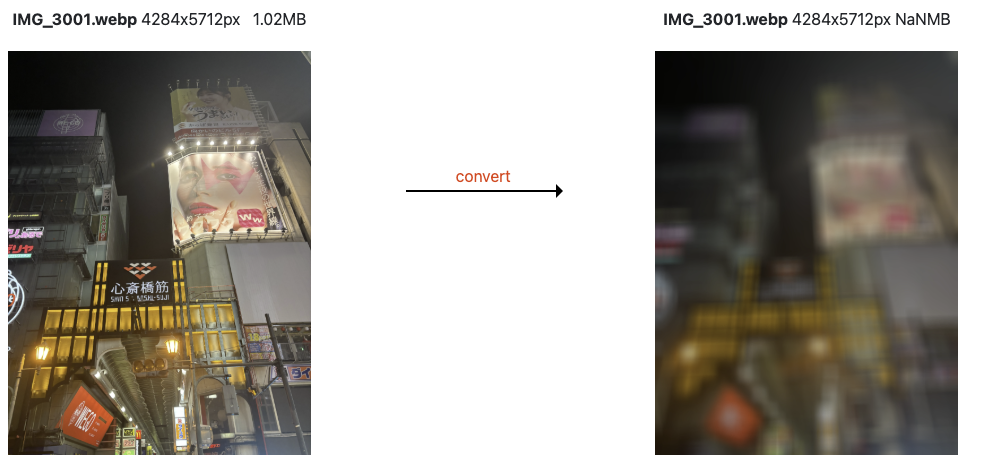
Pro tip: Combine subtle blur with natural colors to create a premium “frosted glass” style background — it’s trendy, minimalist, and privacy-safe.
The Challenge: Doing It in Bulk
If you only need to blur one photo, Photoshop or any editing app works fine.
But what if you have hundreds of product photos, event images, or social media assets to process?
Manually blurring each one is exhausting.
That’s where automation comes in.
How I Simplified My Workflow with ConvertFT
I recently tried ConvertFT’s Batch Blur Tool — a free online image editor that lets you upload and blur multiple photos at once.
Here’s what stood out:
-
Preview before applying — Test different blur levels on one image first.
-
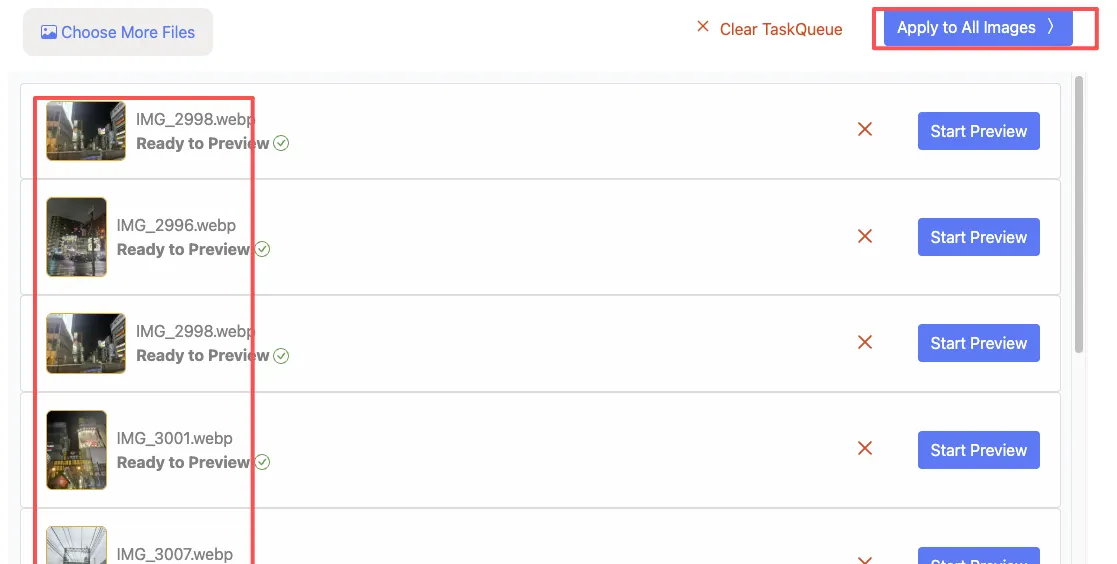
Batch mode — Apply the same blur setting to all your uploaded photos automatically.
-
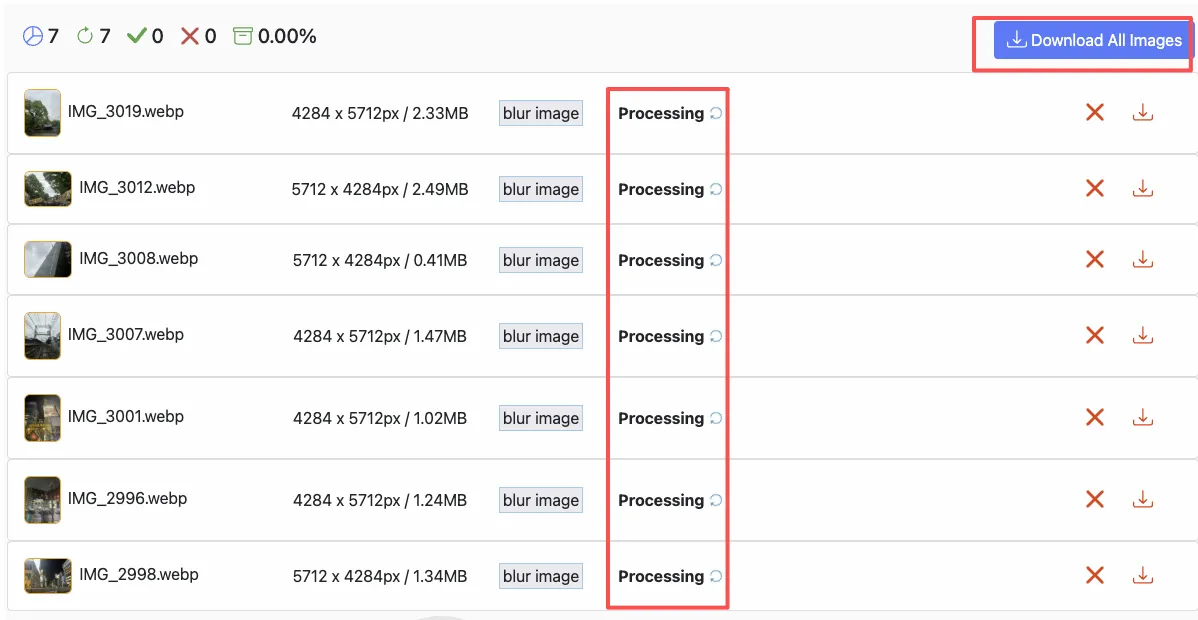
No data retention — Images are processed online and then deleted immediately.
-
Multiple format support — Works with JPG, PNG, WebP, AVIF, HEIC, and more.
It’s incredibly helpful for anyone managing large volumes of visual content — especially for ecommerce, marketing, or content creation teams.
Blur Isn’t Just About Hiding — It’s About Expression
Blurring can also be creative.
It evokes emotion, builds atmosphere, and adds depth to flat visuals. Designers and photographers often use blur to communicate movement, softness, or nostalgia.
So the next time you’re editing photos, think beyond sharpness — perfection sometimes lies in what you choose not to show.