In today's fast-paced digital world, we all deal with large volumes of images, whether it’s resizing, cropping, format conversion, or processing content for social media and e-commerce platforms. The need for efficient image editing is ubiquitous. Most of these tasks are repetitive, so how can we improve the process and reduce redundant editing work? convertft offers powerful batch image editing tools that eliminate the hassle of repetitive tasks.
Why Choose Batch Image Editing?
We've all had to convert images to different formats at some point. For example, converting HEIC photos taken with an iPhone to JPGs. When you're faced with hundreds or thousands of images, it becomes a tedious and time-consuming task. If you're a social media manager, e-commerce business owner, or creative designer, you know the struggle all too well.
With batch editing, you can process multiple images at once, drastically improving efficiency and saving valuable time.
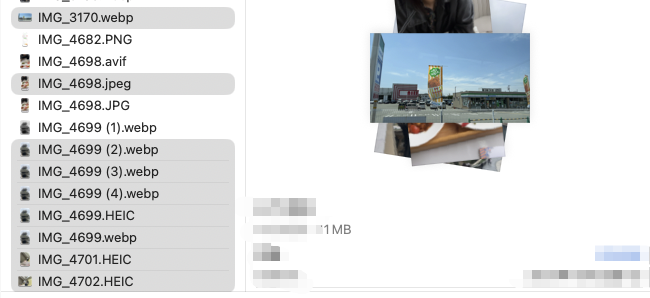
The backend processing runs without requiring you to wait for each task to complete. You can see real-time progress and continue working on other tasks simultaneously.
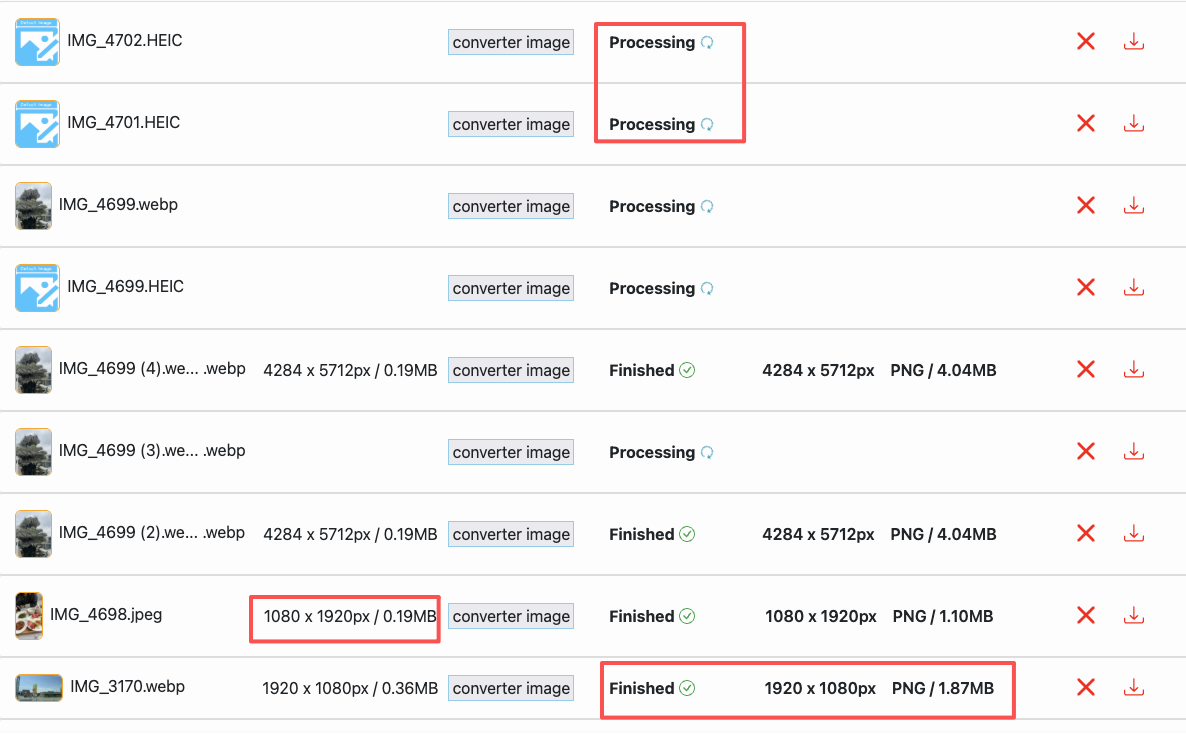
You can download multiple processed images at once, without the need to repeatedly click for each file.
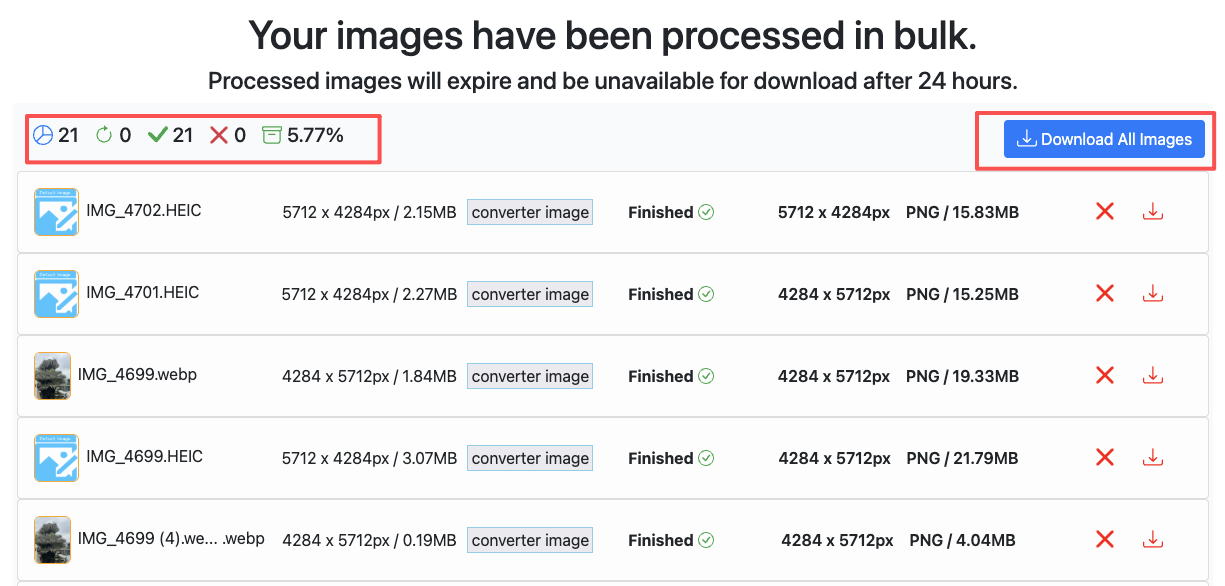
With convertft, simply set your processing parameters, preview the results, and once satisfied, upload your images for batch processing. You'll see real-time task progress, making your workflow much more efficient.
Useful Features of the Batch Editing Tool
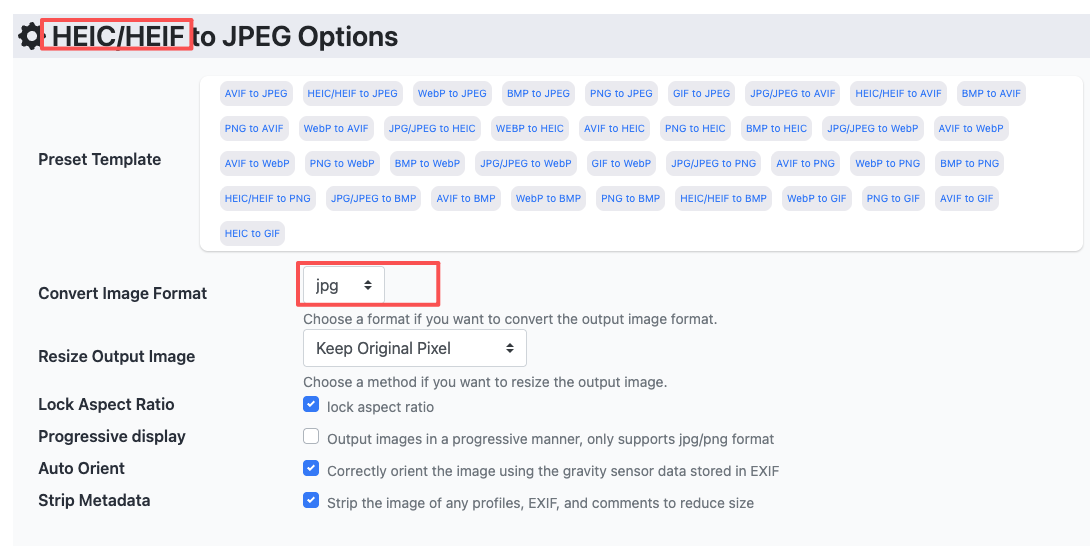
1. Batch Image Format Conversion
Convert multiple images from one format to another, such as JPG, PNG, WebP, AVIF, HEIC, and more. Whether you're looking to compress images, improve load times, or meet specific platform requirements, the batch conversion feature does it all with just a few clicks.
- Example Use Case: If you're an e-commerce merchant needing to convert hundreds of product images to WebP/AVIF format for faster website loading, convertft’s batch conversion tool will save you hours compared to manual editing.
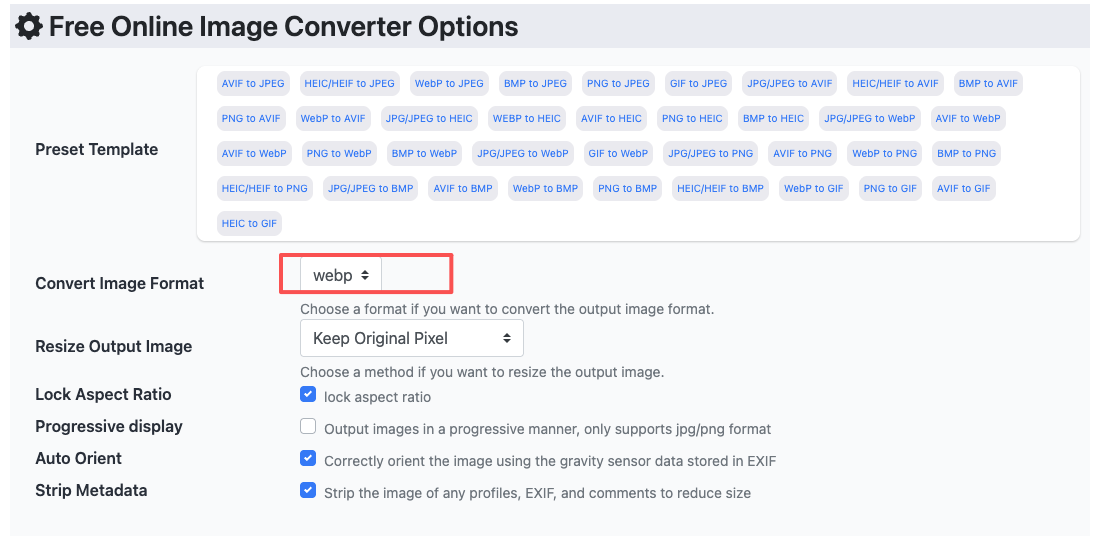
- Example Use Case: If you're an iPhone user who wants to save photos to your PC in a more accessible format, convertft’s tool allows you to batch convert HEIC files to JPEG/PNG, making your workflow faster and more efficient.
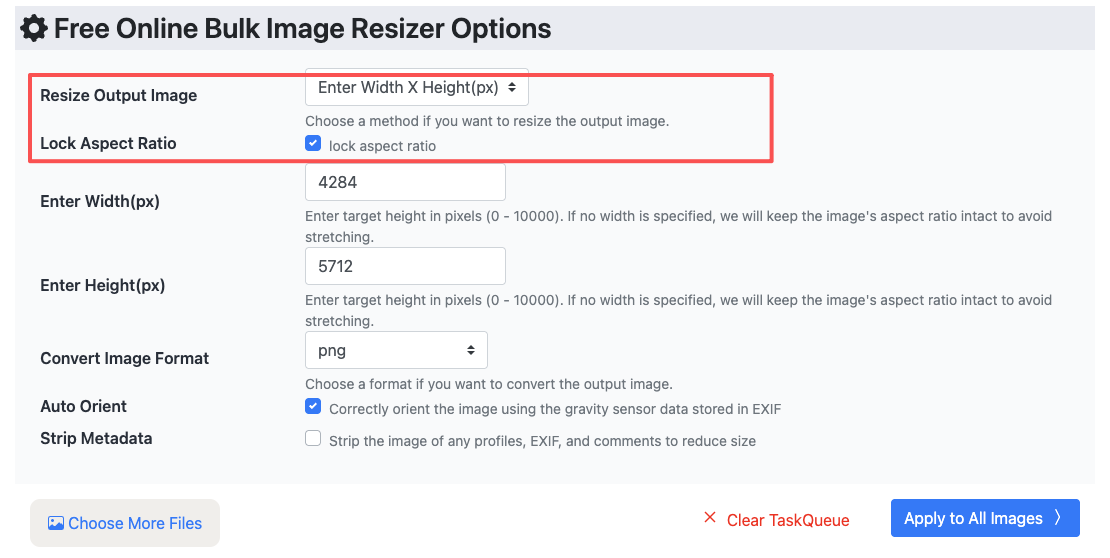
2. Quick Image Resizing
Resizing images is a common task. With convertft’s batch editing tool, you can easily resize multiple images at once to meet the requirements of different social media platforms or e-commerce sites.
- Example Use Case: Government agencies or social media platforms often have strict requirements for ID photos, such as passport photos or profile pictures. With batch resizing, you can adjust all images at once to meet the specifications for each platform.
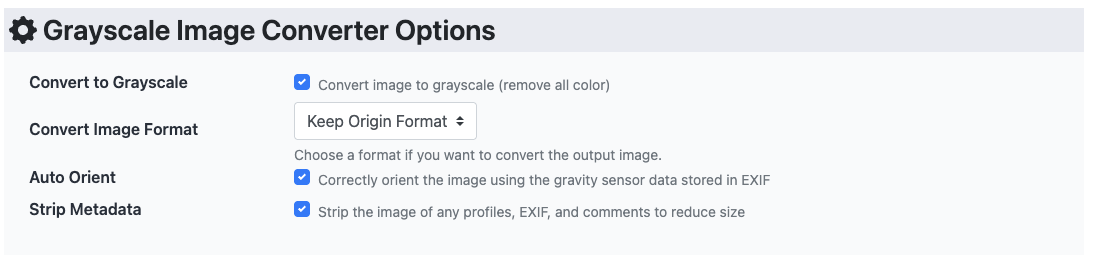
3. Batch Grayscale Conversion
Converting color images to grayscale can help express the unique emotion or essence of a photo. convertft enables you to batch convert all your images to grayscale, focusing on the emotional depth of your pictures.
- Example Use Case: As an illustrator or photographer, you may want to convert your artwork into grayscale to add a timeless or nostalgic feel. convertft’s batch tool makes it effortless.
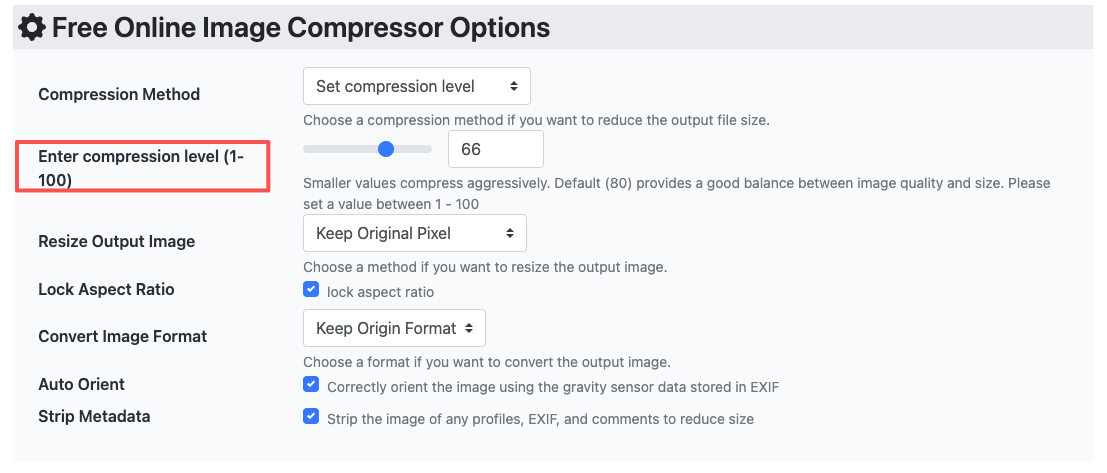
4. Batch File Compression
When dealing with a large number of images, file size is an important consideration. convertft supports batch image compression, helping you reduce image file sizes, save storage space, and improve page load times.
- Example Use Case: If you're managing an e-commerce website, loading speed for product images is critical for user experience. Batch compression helps reduce image size and enhance page speed, ultimately improving site performance.
Conclusion
In today's fast-paced work environment, efficiency is key to productivity. With convertft’s powerful batch image editing capabilities, you can save a huge amount of manual effort and ensure that each image meets your exact needs. Whether you're working on social media content, e-commerce product images, or photography projects, convertft is the essential tool that will help you focus on what really matters: creativity.