What Are the Main Colors in an Image?
The main color of an image refers to the color that appears most frequently and occupies the largest visual area. In most cases, it’s the color your eyes naturally notice first when viewing an image.
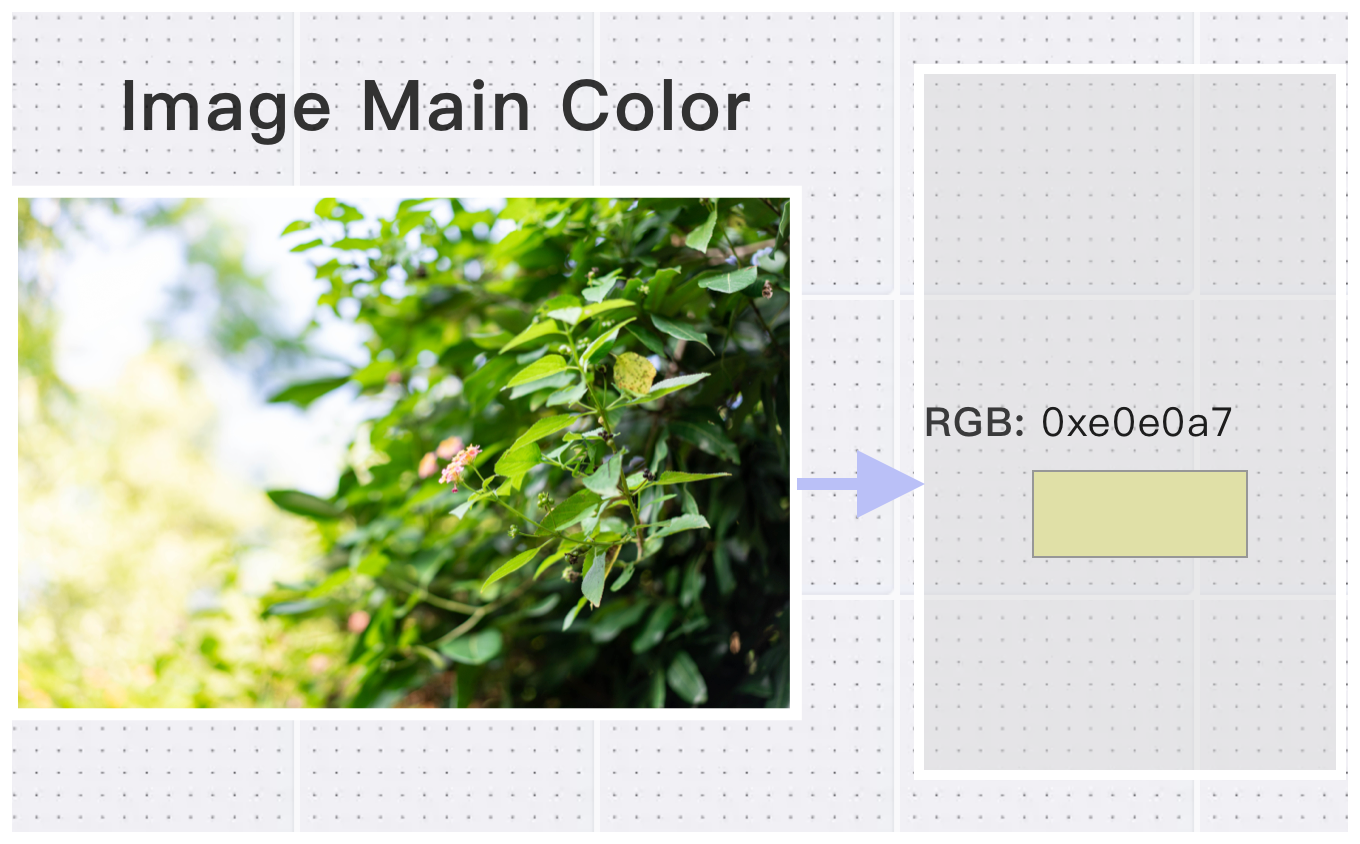
However, while humans can easily see colors, converting those colors into accurate RGB or HEX values requires a more precise and objective tool. That’s where Convertft helps.
How Image Main Color Detection Works
After an image is decoded into RGB pixel data, Convertft analyzes the distribution of colors across all pixels.
By using statistical methods such as color histograms, the tool identifies which RGB values appear most often.
Designers and developers commonly use this data to:
- Adjust the overall color tone of a design
- Automatically generate background colors
- Build consistent UI themes based on image content
How to Get the Main Color of an Image
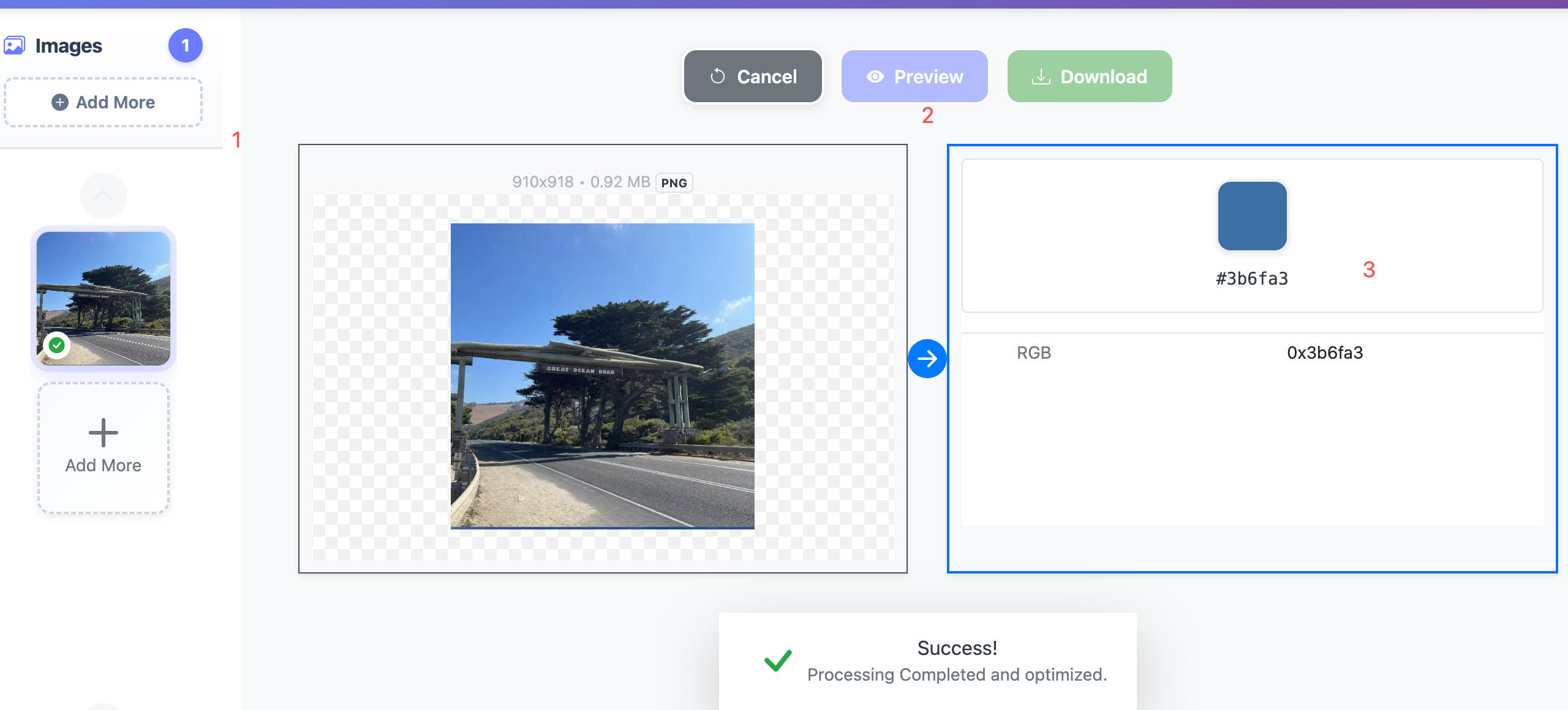
Convertft’s Image Main Color Extractor is designed to be fast and intuitive. You can get precise HEX color values in just three simple steps:
-
Upload the image you want to analyze
(This tool focuses on single-image analysis, which fits most real-world design scenarios.)
-
Click Preview to view the analysis result
-
Copy the displayed HEX RGB color value
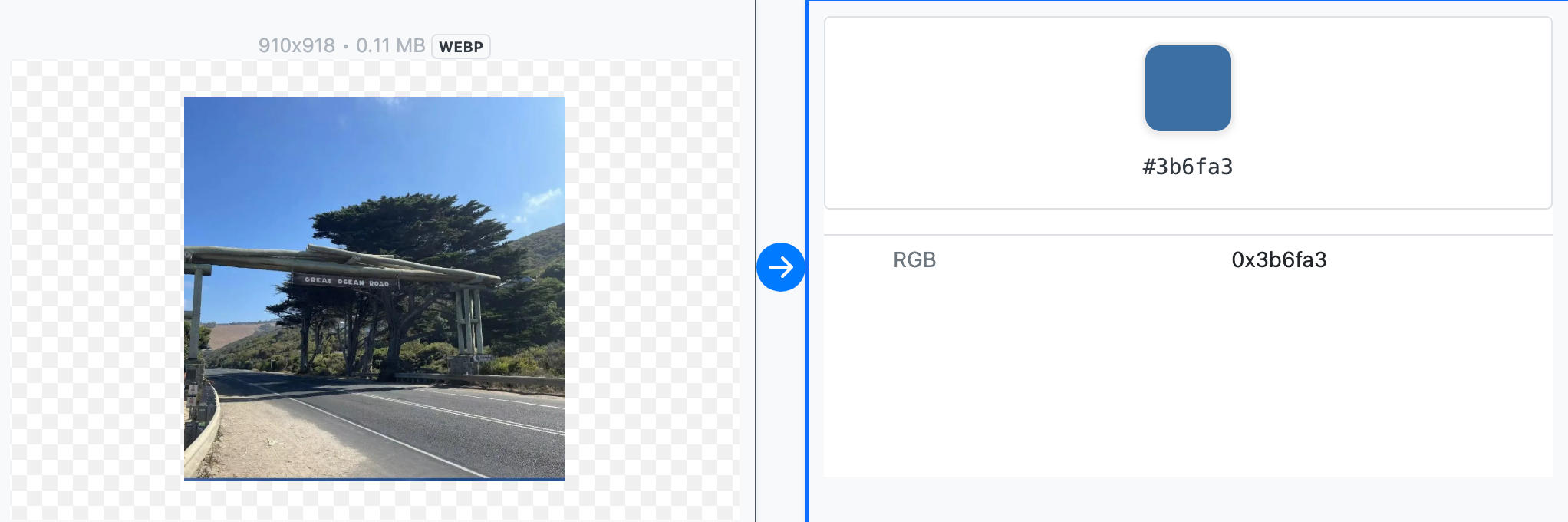
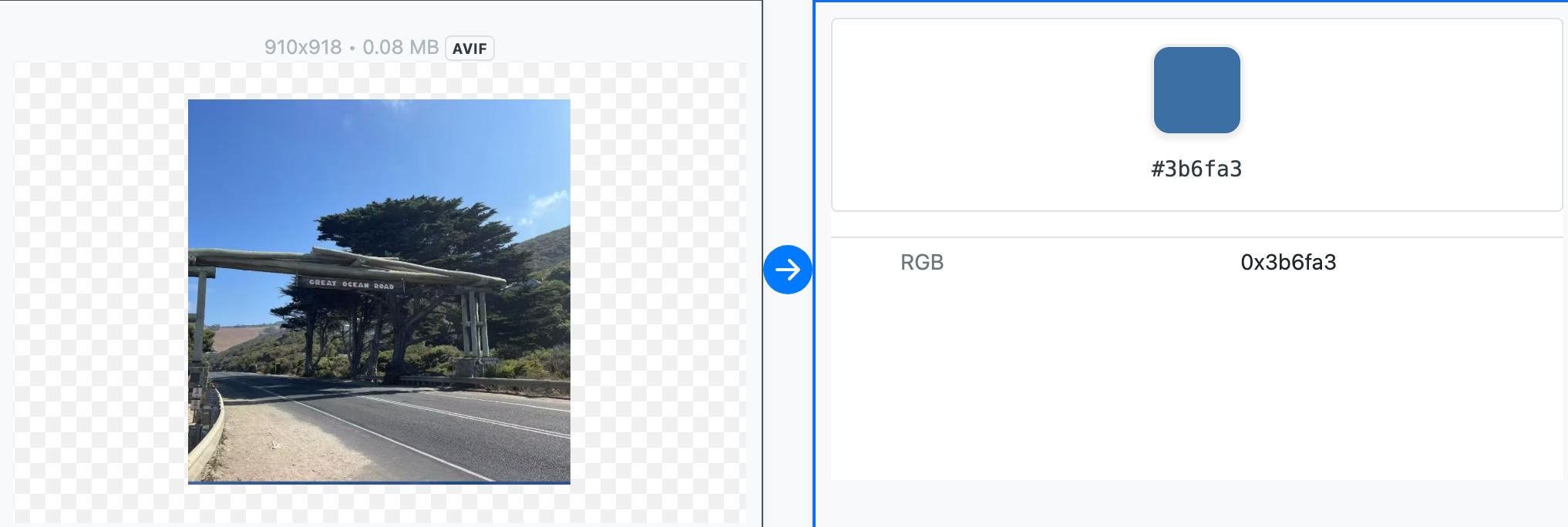
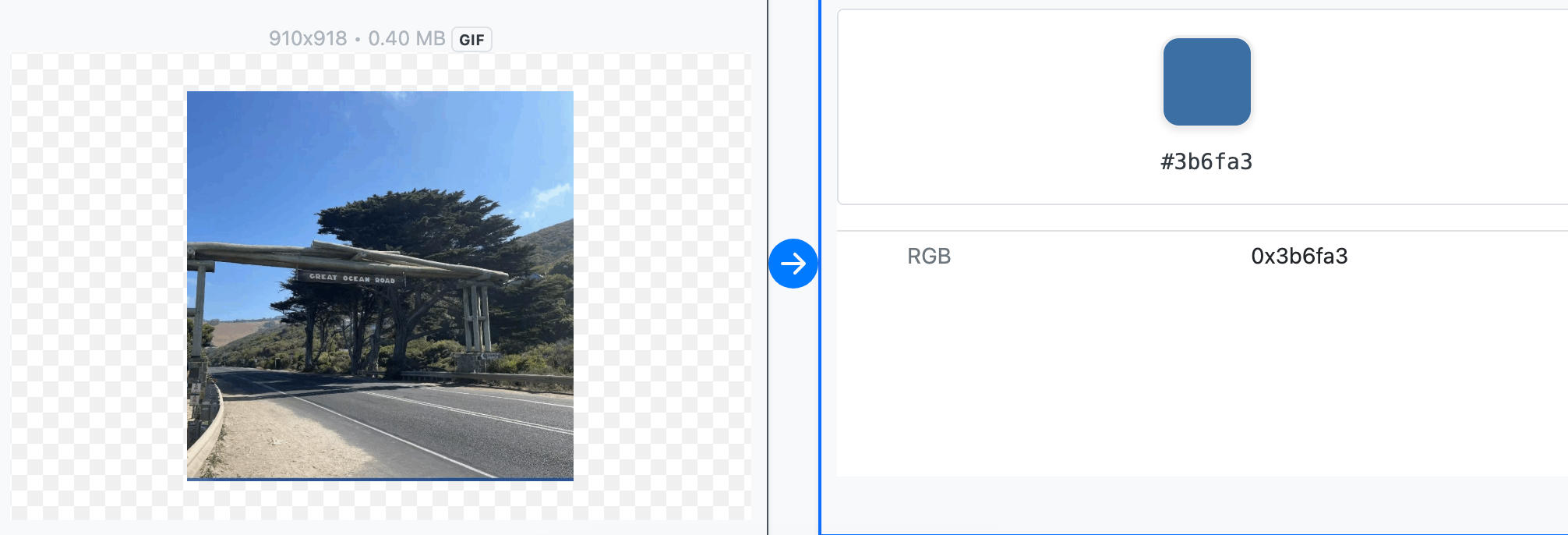
Each color value is shown alongside a visual color swatch, making it easy to see exactly how the color looks in practice.
Supported Image Formats
Convertft supports extracting main colors from most popular image formats, including, JPEG, PNG, WebP, AVIF, HEIC, GIF.
You can preview the image and view its main color at the same time.
For formats like HEIC, which are not natively supported by most browsers, Convertft uses server-side decoding. This allows the tool to extract the main color accurately, even if the image itself cannot be previewed.
Examples:
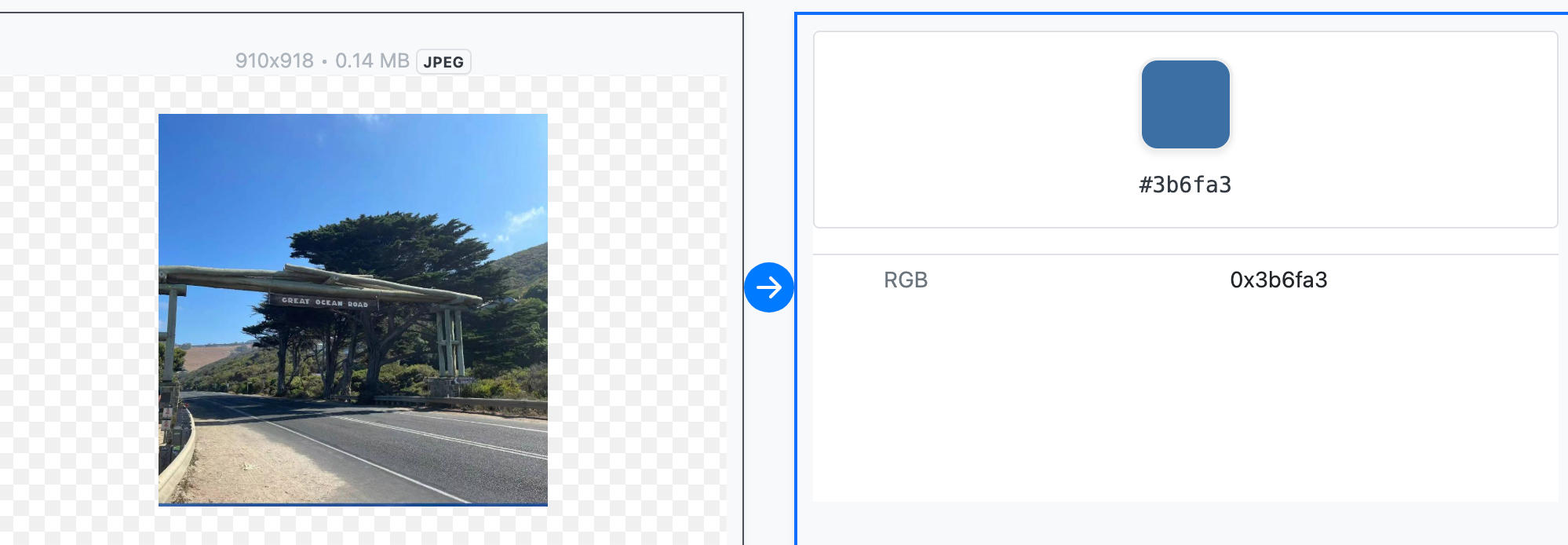
- Get the main color from a JPEG
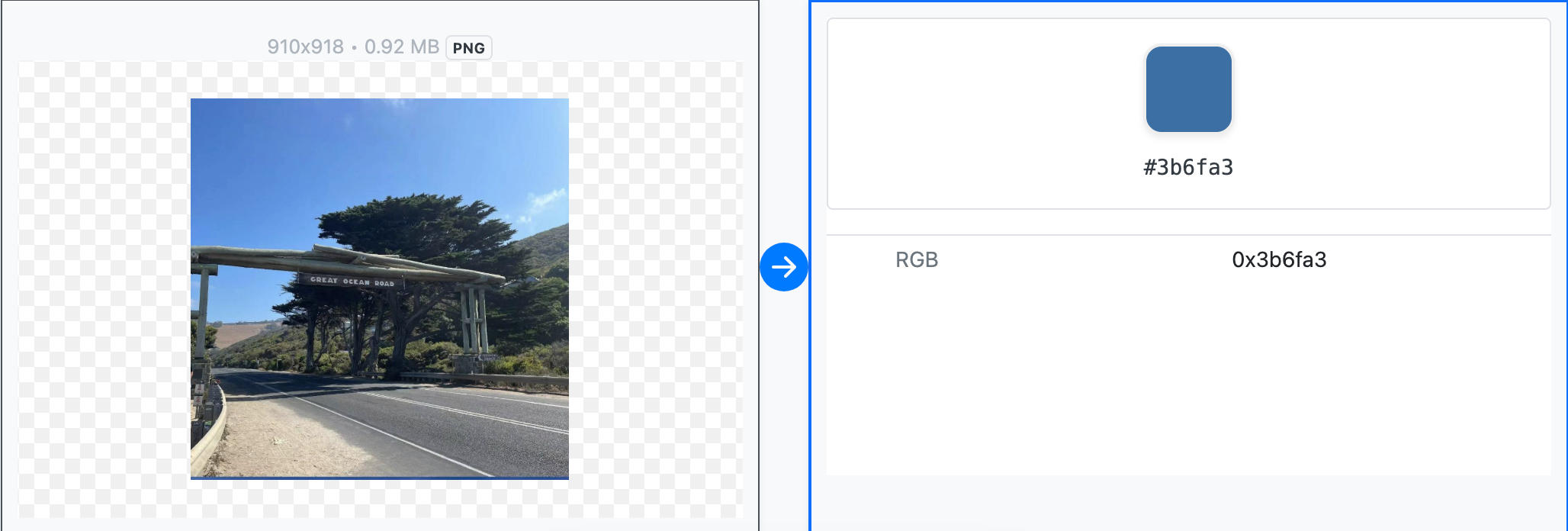
- Get the main color from a PNG
- Get the main color from a WebP image
- Get the main color from an AVIF image
- Get the main color from a HEIC photo
- Get the main color from a GIF
Summary
With Convertft’s image main color tool, you can preview an image and instantly extract its dominant color in precise HEX format.
This is especially useful for:
- Designers and creatives
- UI / UX auto-color generation
- Website backgrounds and theme matching
- Brand consistency and visual styling
If you need a fast, accurate way to turn image colors into usable design values, Convertft makes it effortless.