When working with digital images for document uploads, ID processing, website displays, email attachments, OCR (Optical Character Recognition), or archival purposes, we often encounter a common issue:
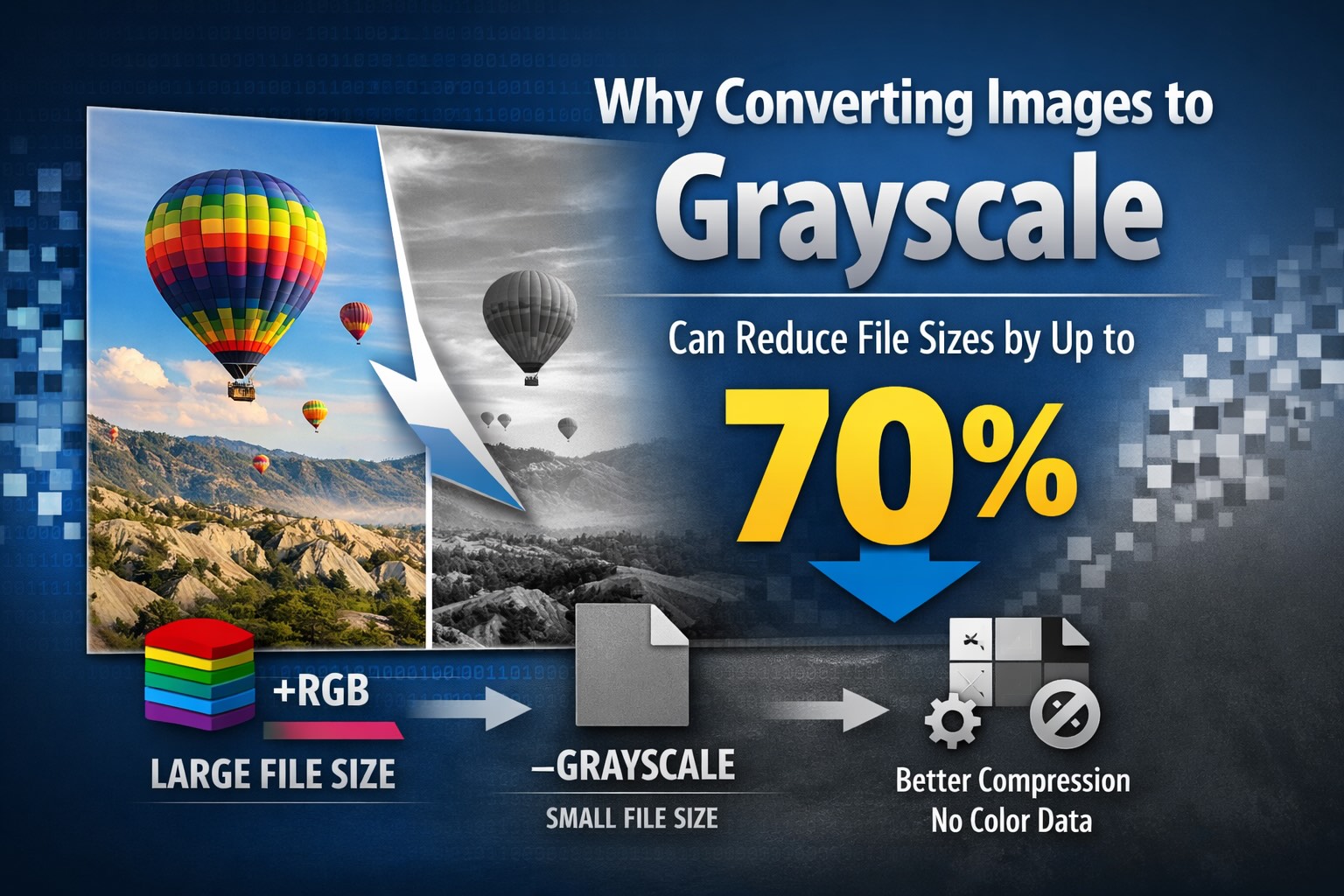
Converting color images to grayscale can significantly reduce their file size, sometimes cutting it down by 50% to 70%.
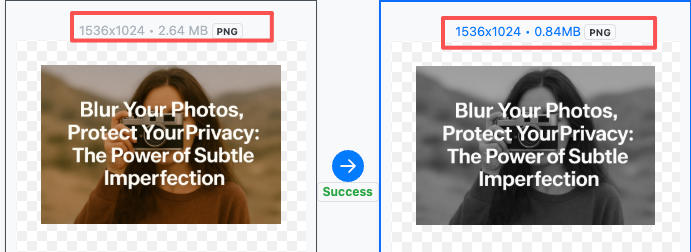
This is not a mere “compression trick.” From an image processing perspective, it's due to how image storage works and the underlying compression algorithms. In this article, we’ll break down the technical reasons behind this phenomenon.
What is a Grayscale Image?
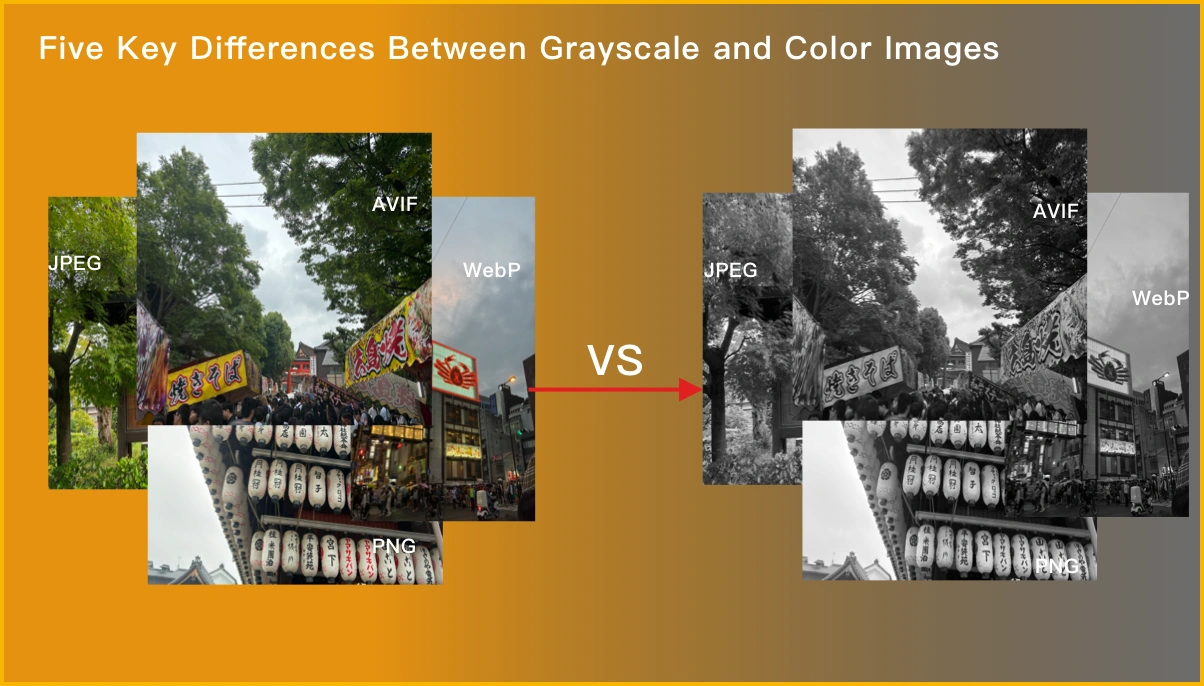
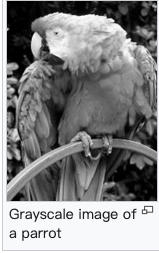
A grayscale image contains only luminance (brightness) information. In simple terms, it’s a black-and-white image where different shades of gray represent varying levels of brightness.
|
|
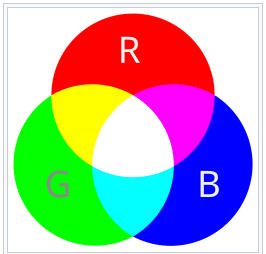
- Color Image (RGBA)
- Most images consist of Red (R), Green (G), and Blue (B) channels, and sometimes an additional Alpha (A) channel for transparency.
- Each pixel stores information for all these color channels.
- Grayscale Image
- Only one luminance channel.
- Each pixel represents brightness, without any color data.
Visually, grayscale images look like black-and-white photos. But in terms of data, they are much simpler. The reduction to just one channel means fewer pixels, and the higher correlation between pixels helps compression algorithms achieve better file sizes.
Why Are Grayscale Images Smaller Than Color Images?
Fewer Channels, Less Pixel Data
This is the primary and most straightforward reason.
Take an 8-bit image as an example:
- RGB Image:
- 3 channels × 8 bits = 24 bits per pixel
- Grayscale Image:
- 1 channel × 8 bits = 8 bits per pixel
Without compression, the raw pixel data in a grayscale image is reduced by about 66%, and when combined with compression algorithms, the file size shrinks even further.
This difference remains evident even when using compressed formats like PNG or JPEG.
Grayscale Images Are Easier to Compress
In addition to having less data, grayscale images are also easier for compression algorithms to handle efficiently.
Here’s why:
- Grayscale images typically have smoother pixel transitions.
- The correlation between adjacent pixels is higher.
- There’s no color noise or edge artifacts from colors.
For common image formats:
- PNG (DEFLATE compression)
- The pixel data becomes a single-byte sequence of luminance values, resulting in more repetitive patterns.
- Compression dictionaries hit more often, improving the LZ77 sliding window’s effectiveness.
- JPEG (DCT transformation)
- The luminance channel in grayscale images is easier to quantize.
- There’s less high-frequency noise to encode.
Grayscale images not only have less data but also compress better, leading to higher compression ratios.
Removal of Color-Related Extra Data
Images can contain additional data beyond pixel information, such as:
- ICC color profiles
- Color space metadata
- Auxiliary chunks in PNG (e.g., color-related information)
When converting an image to grayscale:
- Complex color management becomes unnecessary.
- Color-related metadata is discarded.
This is especially noticeable in PNG and TIFF formats. By removing this extra data, file sizes can shrink even further.
Real-World Example: How Much Space Can You Save by Converting to Grayscale?
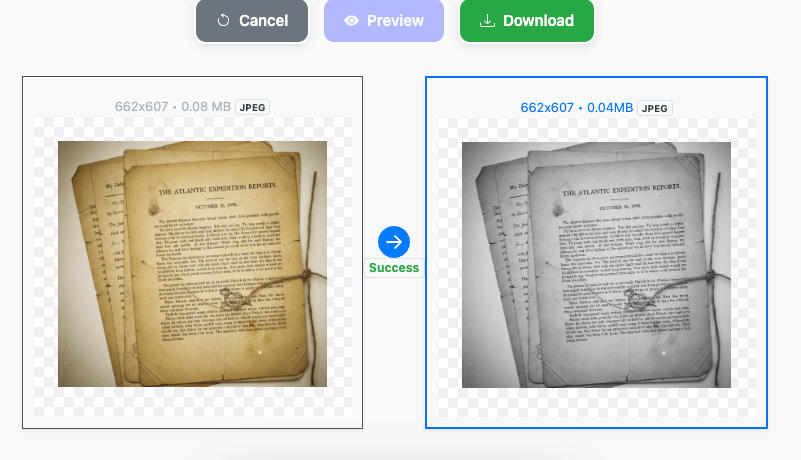
Using an online grayscale conversion tool, we tested how much file size decreases when different types of images are converted to grayscale. The results were as follows:
- JPEG Scanned Documents to Grayscale
- JPEG Graph Images to Grayscale
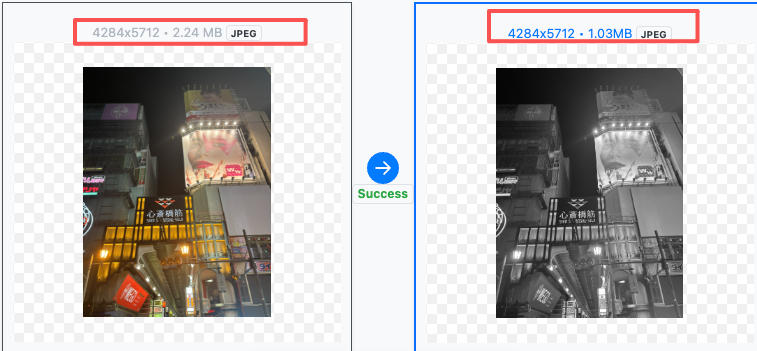
Here’s a summary of the results:
| Image Type | File Size Reduction |
|---|---|
| Scanned Document (JPEG) | 50% – 70% |
| Text Screenshot (PNG) | 40% – 60% |
| Graphs/Charts (JPEG) | 30% – 50% |
| Photos (JPEG) | 20% – 40% (depending on content) |
“Up to 70%” size reduction is most commonly observed in scanned documents and text-heavy images. This is because these types of images have high pixel correlation, which boosts compression efficiency.
Best Use Cases for Grayscale Images
Converting images to grayscale isn’t a universal solution, but it’s highly effective in the following scenarios:
- Scanned documents, contracts, invoices
- Preprocessing for OCR (Optical Character Recognition)
- Black-and-white printing
- Website thumbnails, preview images
- Long-term archiving, bulk storage (e.g., document files)
In these cases, color information is unnecessary, but file size is critical.
Conclusion
The reason converting images to grayscale significantly reduces file sizes is not a trick, but a result of underlying technical principles:
- Fewer channels
- Better compression efficiency
- Removal of color-related data
For document scanning, OCR processing, and web optimization, converting images to grayscale is a simple, reliable, and highly effective way to reduce file sizes.