Quickly Convert HEIC and HEIF Images to JPEG Without Losing Quality
Convert HEIC and HEIF images to JPEG online for free. Supports batch conversion from iPhone, Windows, or Google Drive, keeping high quality and saving storage space. No installation needed.
Drag & Drop or Click
Support JPG, PNG, WEBP, GIF, AVIF, HEIC/HIEF
Max file size: 50MB
Why Use This Quickly Convert HEIC and HEIF Images to JPEG Without Losing Quality? (Key Benefits)
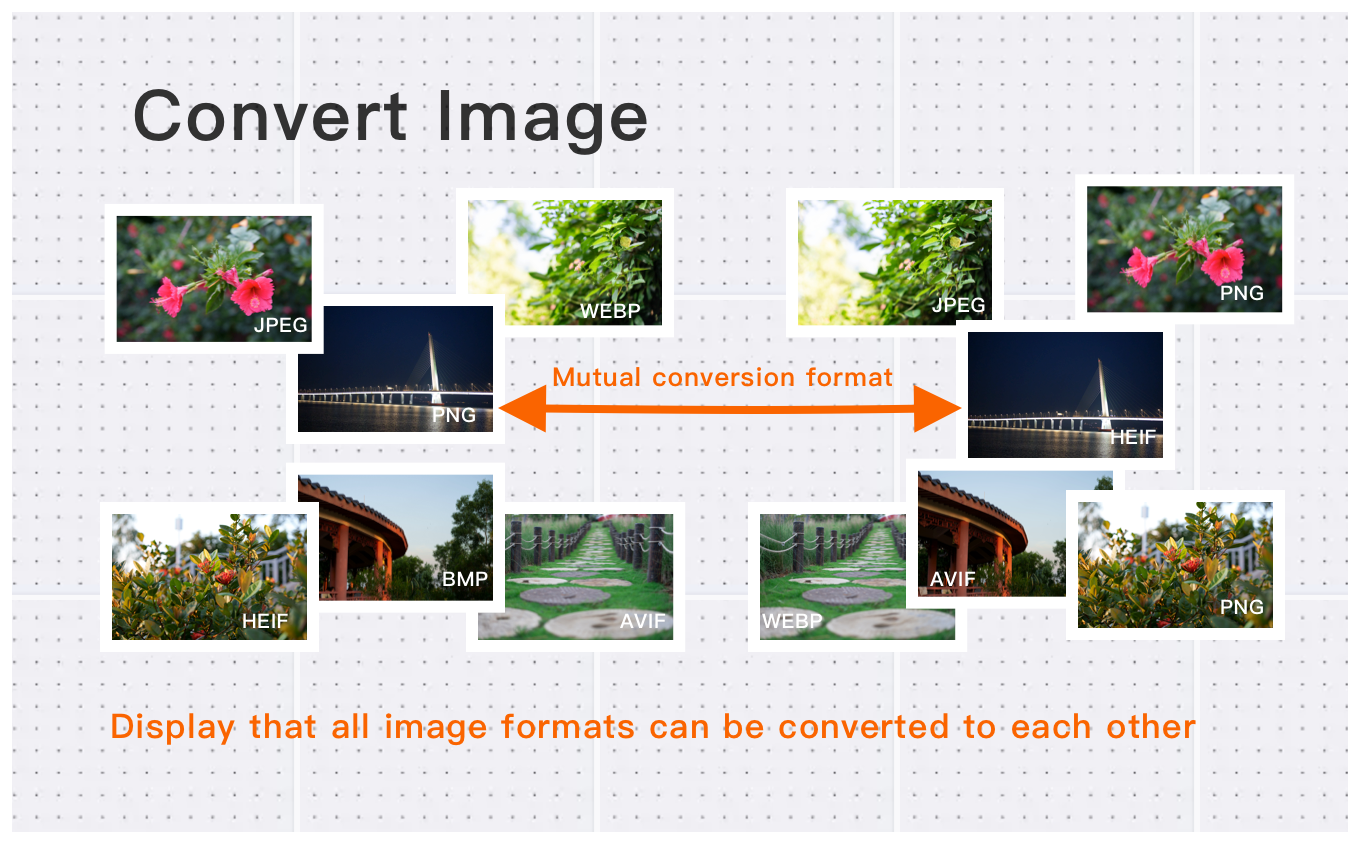
Convert HEIC Photos to JPG with Full Compatibility
Turn iPhone and iPad HEIC images into widely supported JPG files in seconds. Whether you have a single HEIC photo or hundreds, batch conversion ensures a smooth and efficient workflow across Windows, macOS, Android, and all major platforms.
High-Resolution Image Conversion for Professionals
Convert high-resolution images up to 30MB and 250+ million pixels with ease. Ideal for photographers, designers, and content creators, our tool preserves full image clarity while converting HEIC, JPG, PNG, WebP, and other formats with professional-grade accuracy.
Simple & Free Image Conversion in Three Easy Steps
Convert your images in just three quick steps—upload, choose your format, and download. Whether you’re converting a single HEIC file or an entire batch, our free tool delivers fast, high-quality results with no registration or software installation required.
How to Use This Quickly Convert HEIC and HEIF Images to JPEG Without Losing Quality?
Select Image
Select the image you want to convert format and upload it to the cloud. To batch converting multiple photos, click Choose More Files to upload additional photos. The cloud will automatically adapt to and support common image formats, so you don't need to worry about compatibility.
Customize Settings
Clicking the Start Process button for a specific photo will only convert that one image format. To convert all selected images format, click the Start Process > button. If you want to readjust the convert format type, click the X button to reset this processing.
Download converted image
Once the cloud indicates that the convert format is complete, you can preview the results by clicking on the images. Click Download Image to download a single converted format photo, or click Download Images to download all batch converted format images.
Our Security & Privacy Pledge
Your data security is our highest priority. We will never retain your files longer than necessary for processing.
Automatic Deletion
Your files are permanently and automatically erased from our servers after 60 minutes, with no backups retained.
Secure Transmission
All uploads and downloads are protected using 256-bit SSL/HTTPS encryption for complete data security.
Zero Human Access
Files are handled exclusively by our automated processing engine; no manual viewing or review occurs.
Never Share or Sell
We commit to never selling, renting, or sharing your content or personal data with any third parties or advertisers.
User-Controlled Deletion
You have the option on the download page to select "Clear Immediately" to destroy your files instantly.
Frequently Asked Questions
Find answers to common questions about Quickly Convert HEIC and HEIF Images to JPEG Without Losing Quality.
Tips for Quickly Convert HEIC and HEIF Images to JPEG Without Losing Quality Image Optimization

See also: More HEIC Converter
For more usage tips about Quickly Convert HEIC and HEIF Images to JPEG Without Losing Quality, please refer to Free Image Format Converter .